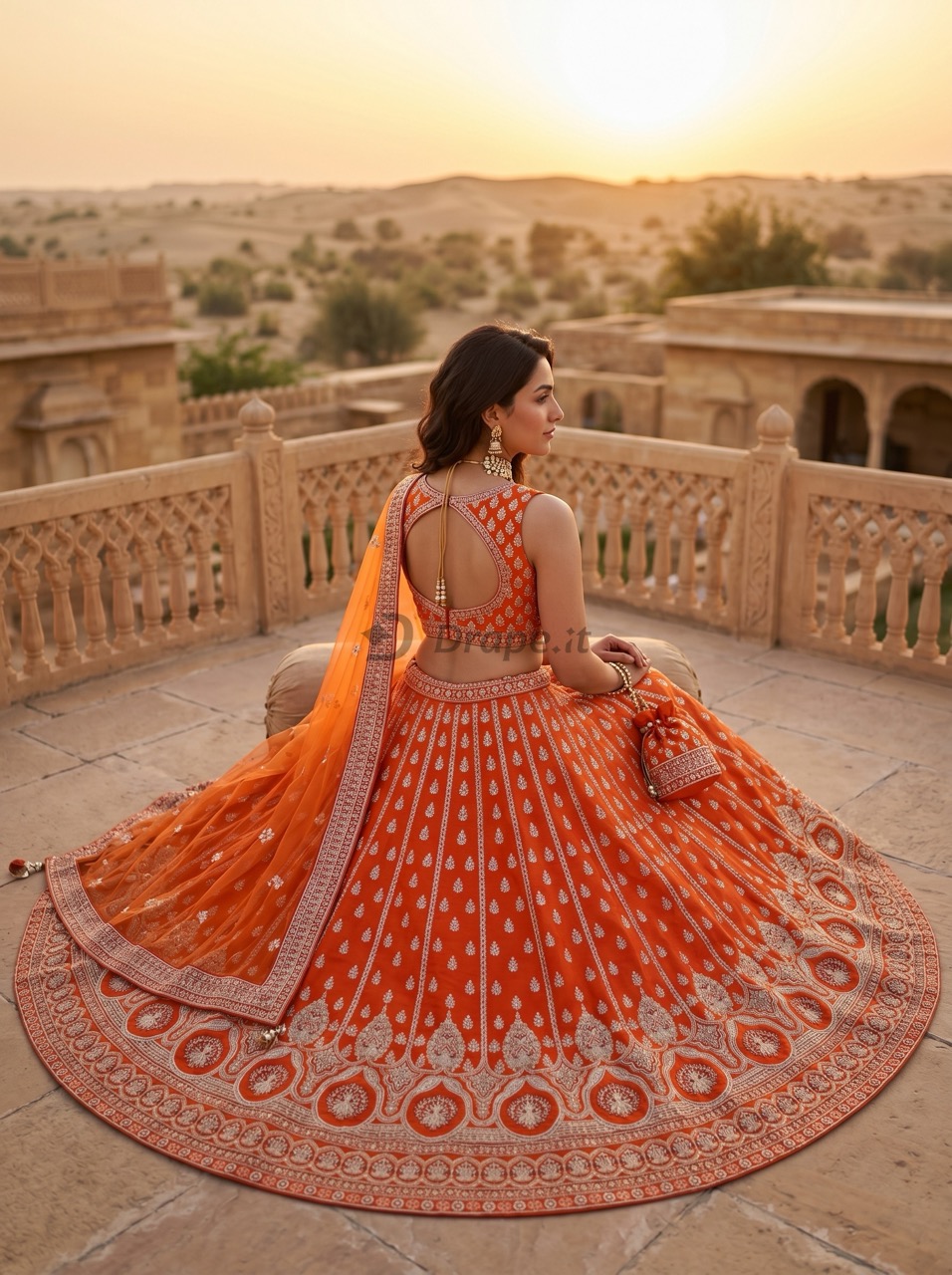
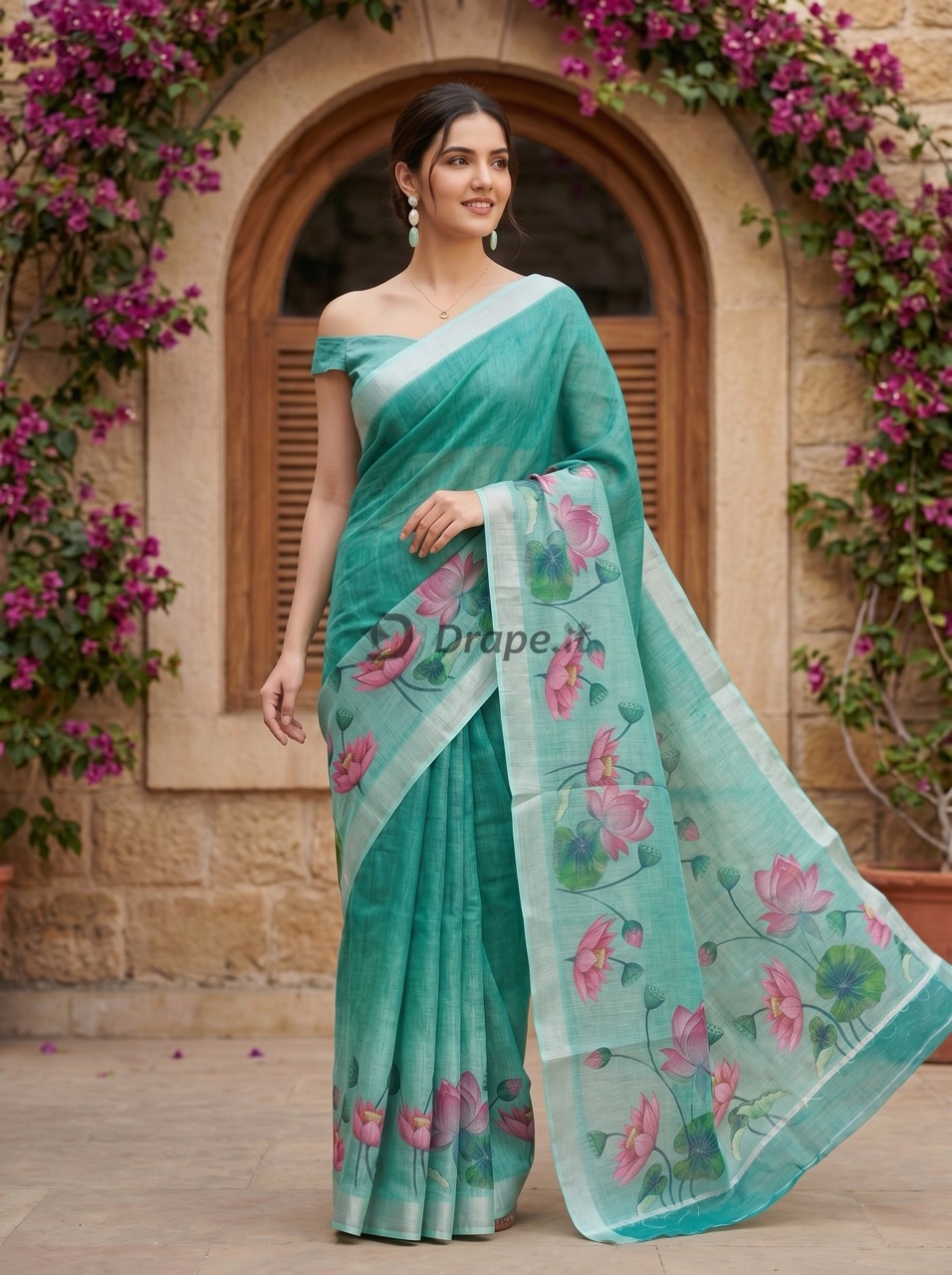
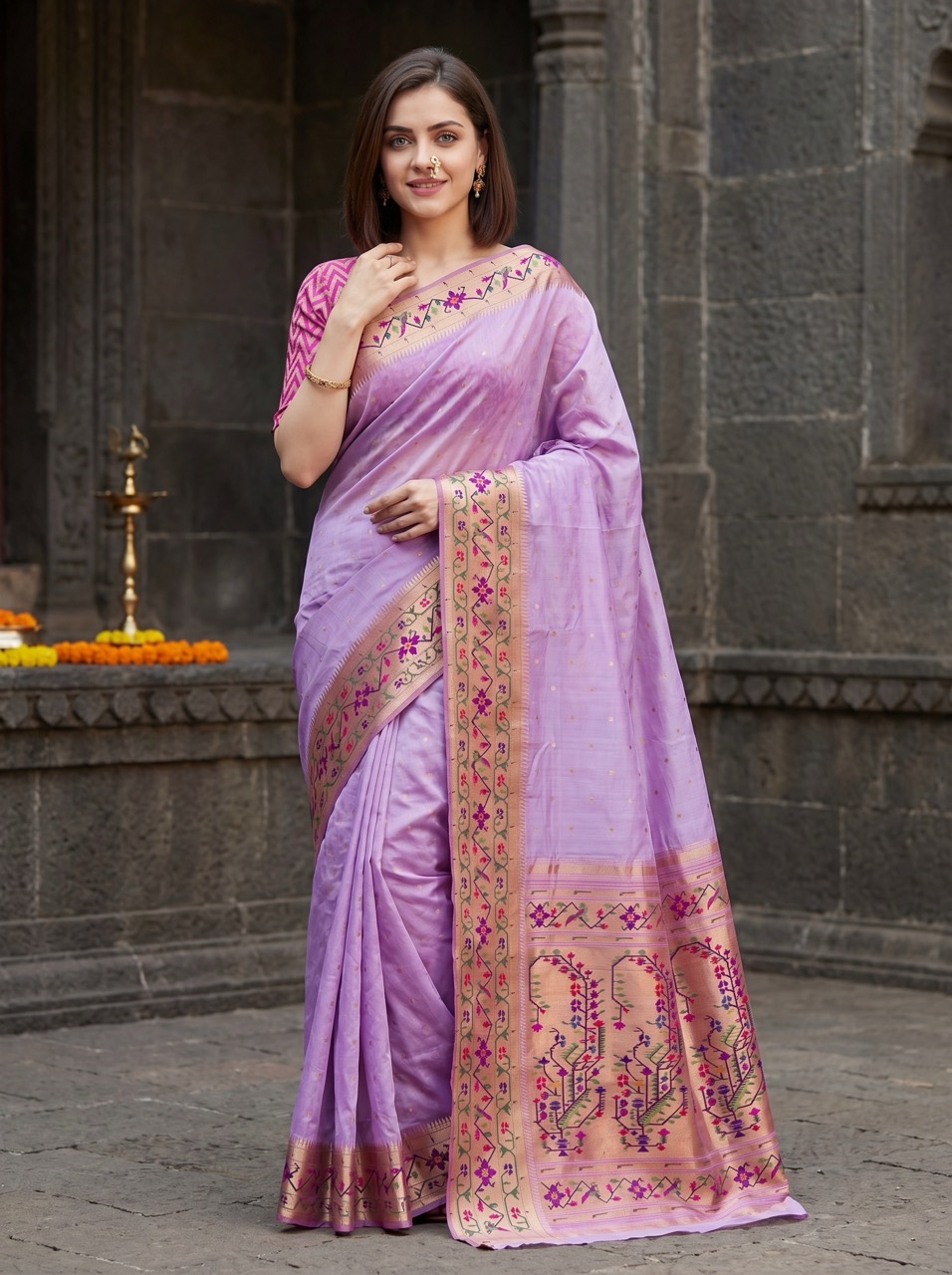
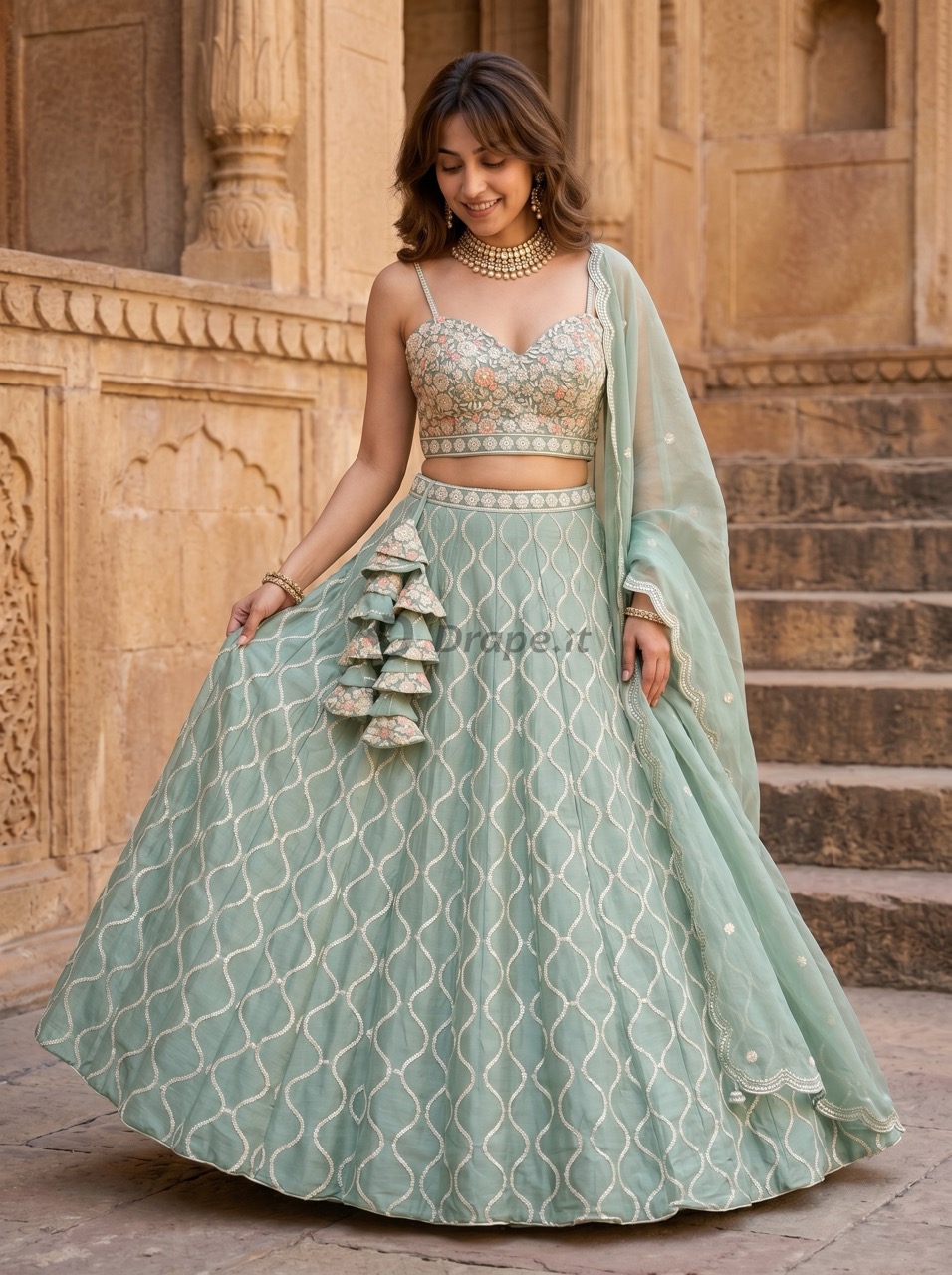
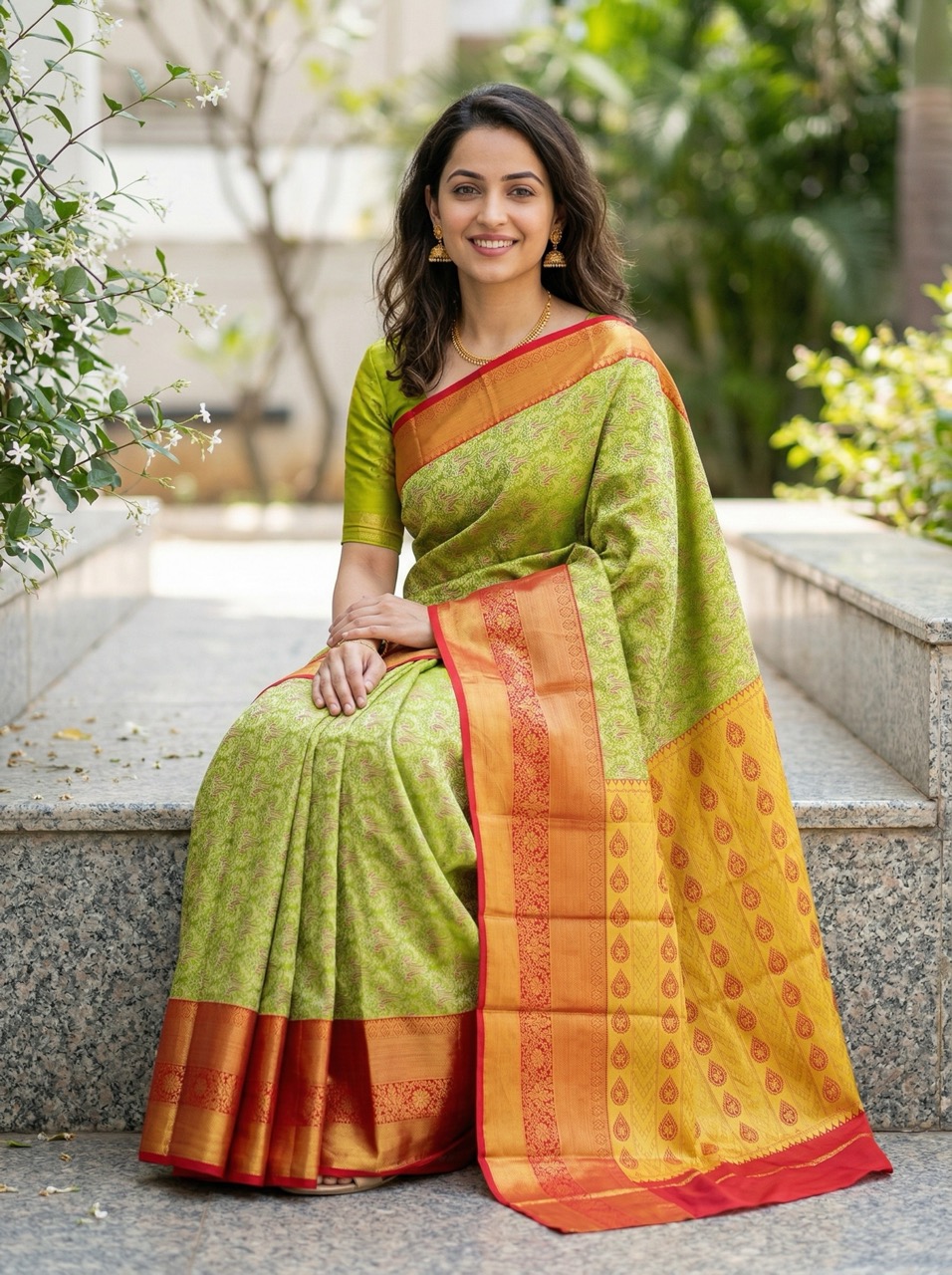
Saree-first workflow
Built around pallu, borders, body patterns, and blouse inputs.
 Drape.Studio
Upload a garment, confirm the details, and continue through the guided flow.
We will send a verification OTP on WhatsApp.
OTP sent to +91 1234567890.
Use a clear flat image. The app will detect the garment type and prepare the next steps.
Uploading a saree? Learn how to photograph it for the best result.
We detected the garment type below. Change it if needed.
Some saree details are hidden in this photo.
We can still create an image, but the pallu, borders, or pattern may not match perfectly. For the best saree results, use a vertical flat-lay with the pallu at the bottom.
We could not analyze this image. Please go back and try another one.
Review the main garment details and change only if needed.
Add any optional garment images if you have them.
Do not worry if you do not have them. These images help improve accuracy, but we can still create a matching piece or infer missing details where needed.
Select the kind of model you want. We will pick one that matches.
Pick a background style for your final image.
Pick the image size and shape for your first result.
Login needed before generation.
Download the result, continue to poses, or start a new garment.
Your image may still be generating. Tap below to retrieve it.
Select one or more poses to generate from this garment result.
Review the generated poses and download the ones you want.
Your pose images may still be generating. Tap below to retrieve them.
Your generated catalog photos. Filter by date when needed.
No images found yet.
Get more saree catalog images with a prepaid pack built around a saree-first workflow.
General AI is useful for experimentation. Drape Studio is built for repeatable saree work, shaped by real experience with saree manufacturers.
Built around pallu, borders, body patterns, and blouse inputs.
A guided workflow that helps AI understand the saree better, with fewer avoidable mistakes.
Designed to keep the same saree more faithful when you create multiple images.
Made for repeatable business images, not just one-off AI experiments.
Pick the prepaid pack that matches how many sarees you want to process next.
A couple of quick notes before you pay.
Choose the language you’re most comfortable with. You can change it anytime using the language selector in the header.
अपनी पसंद की भाषा चुनें। आप स्क्रीन के ऊपर दिए गए विकल्प से भाषा कभी भी बदल सकते हैं।
Show the pallu panel at the bottom and the saree body above, with both long borders clearly visible.